MenuPricer vs
Spreadsheets
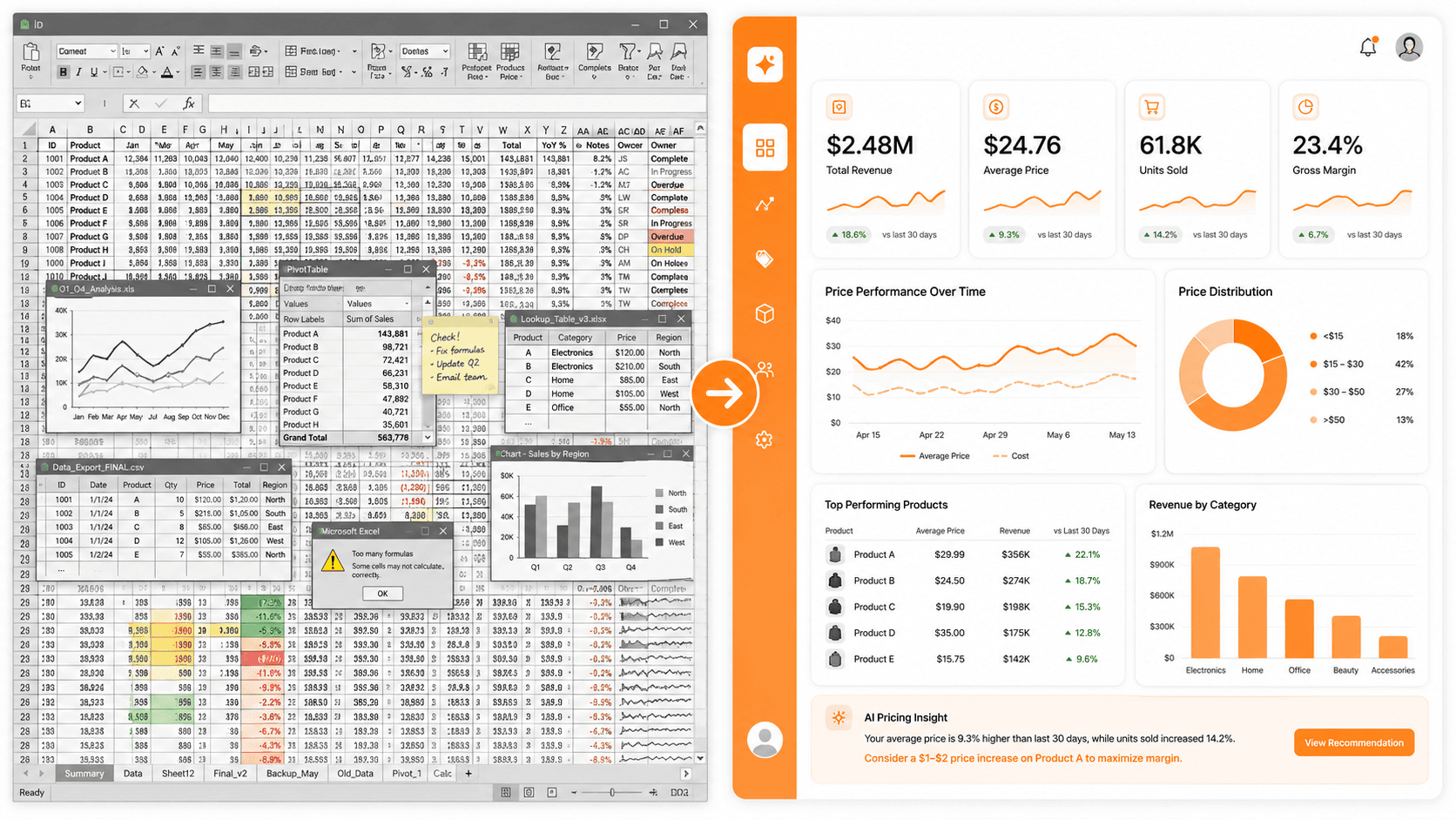
Excel and Google Sheets work. They just take hours to set up, break when you edit them, and don't know what your ingredients cost.
MenuPricer
30s
From dish name to priced menu item
Spreadsheet
2–4h
To build a working pricing template
| Feature | MenuPricer | 📊 Spreadsheet |
|---|---|---|
| Setup time | ✓0 minutes — open and type a dish name | –2–4 hours to build formulas and ingredient lists |
| Ingredient cost data | ✓AI estimates wholesale costs automatically | –Manual research and entry required for every item |
| Food cost % calculation | ✓Automatic, updates instantly | –Manual formula — breaks when rows change |
| 3 pricing tiers | ✓Budget / Standard / Premium for every dish | –Single price — requires custom formula per tier |
| Delivery platform markup | ✓DoorDash & Uber Eats offset built in | –Not included — requires separate calculation |
| Menu copy | ✓AI writes 15–30 word menu description | –None — written separately |
| PDF export | ✓One click — branded PDF per dish or full menu | –Manual formatting — breaks on edit |
| Cloud sync | ✓Auto-saved, access from any device | –Manual file sharing, version conflicts |
| Collaboration | ✓Share link — anyone can view | –File attachment or Google Drive permissions |
| Mobile use | ✓Fully responsive web app | –Poor mobile experience |
| Price | ✓Free for 5 dishes · $9/mo unlimited | –Free (but your time isn't) |
The spreadsheet problem isn't the math — it's the data
Building a food cost formula in Excel is straightforward. The real work is populating it: researching wholesale prices for every ingredient, converting units (oz to kg, each to case), and keeping it updated when supplier prices change. Most restaurant owners spend 2–4 hours on setup, then abandon the spreadsheet when it gets stale.
MenuPricer starts with AI-estimated ingredient costs
Type a dish name — "Chicken Tikka Masala" or "Classic Cheeseburger" — and MenuPricer's AI estimates the typical wholesale ingredient costs for that dish. You can edit any number. The point isn't perfect accuracy on every line item; it's getting a useful price in 30 seconds instead of 4 hours.
Three tiers, not one
A spreadsheet gives you one price. MenuPricer gives you three: Budget (highest volume, delivery-friendly), Standard (dine-in anchor), and Premium (special occasion, small batch). Each has its own food cost %, gross margin, and context — so you can position dishes across your menu, not just calculate a single number.
Common questions
Can't I just use a spreadsheet to calculate food cost?
Yes — and many restaurant owners do. The problem is setup time (2–4 hours to build a working template), maintenance (formulas break when you add rows), and missing data (you still need to look up ingredient costs manually). MenuPricer eliminates all three.
Is MenuPricer more accurate than a spreadsheet?
For ingredient cost estimates, a spreadsheet with manually entered data from your actual invoices is more accurate. MenuPricer uses AI estimates based on typical North American wholesale prices — great for quick decisions and new menu items, but best combined with your real supplier costs.
What if I already have a spreadsheet I like?
Keep it for your actual invoices and bookkeeping. Use MenuPricer for fast pricing of new items, checking margins across your menu, and generating PDF cost sheets for your team. They complement each other well.
Does MenuPricer replace restaurant accounting software?
No. MenuPricer is a menu pricing and food cost calculator — not accounting software. It helps you set the right price before a dish goes on the menu. Use it alongside your accounting software, not instead of it.
Try it — no spreadsheet setup required
Type a dish name. Get food cost %, margin, and 3 prices in 30 seconds. Free for up to 5 dishes.
Try MenuPricer Free →No credit card · No setup